
How to claim your Listing
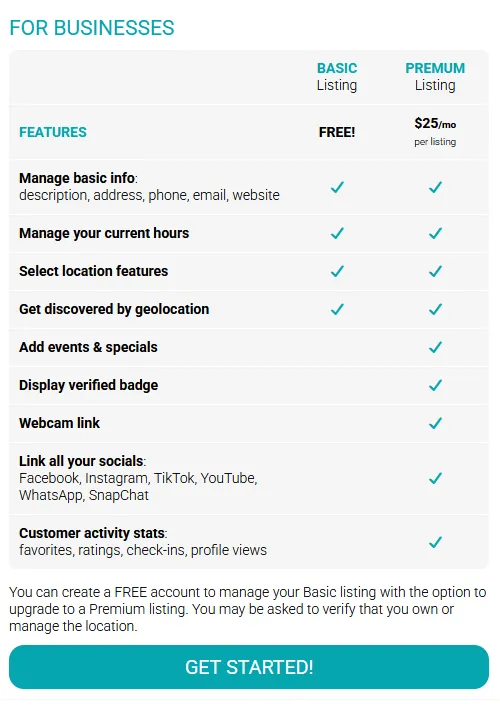
1) Visit stumblon.com/business to check out all our features! When you're ready click get started. |
 |
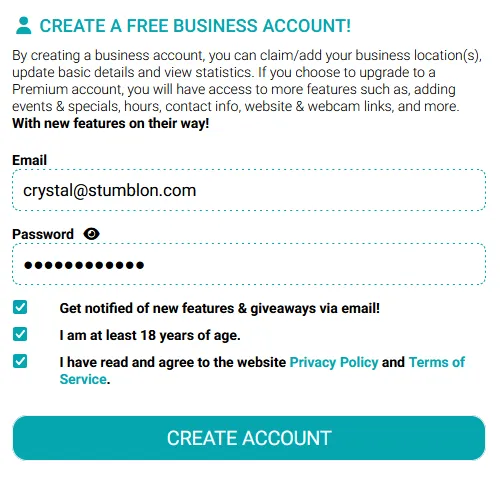
2) Create your business account login If you own or manage multiple locations, you can easily manage them all from a single account. |
 |
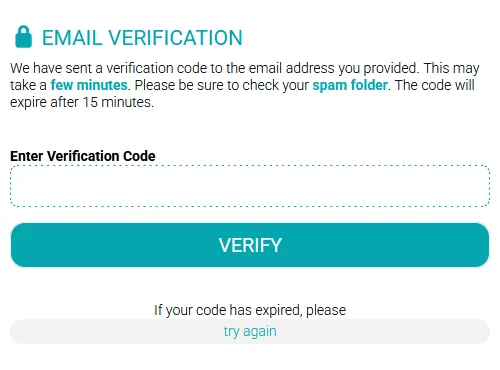
3) Verify your email with the code that we sent you. Be patient! This may take a few moments. Please check your spam/junk folders. |
 |
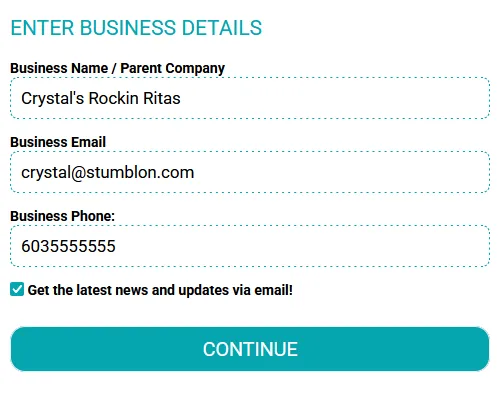
4) Enter your business details. This information will not be displayed to the public. This is for our internal reference only. You may be asked to verify you are the owner or manager. Click continue, and then choose claim listing! |
 |
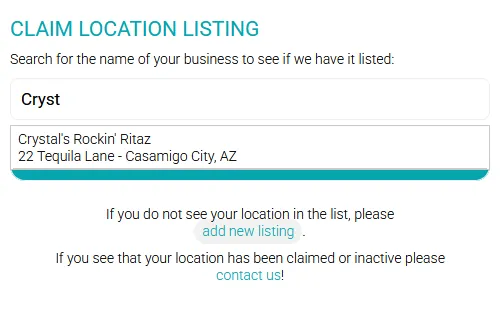
6) Claim your location. Enter the name of your location, select it from the drop down, and click claim listing. If we do not have your location in our system please click the button to "add new listing". |
 |
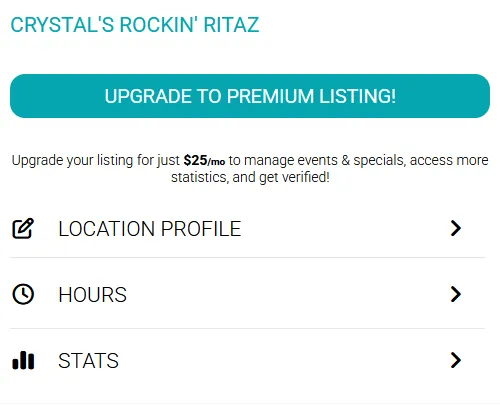
6) Success! You can now update your location's profile, including searchable features, add your hours, and view basic stats. You also have the option to upgrade! |
 |
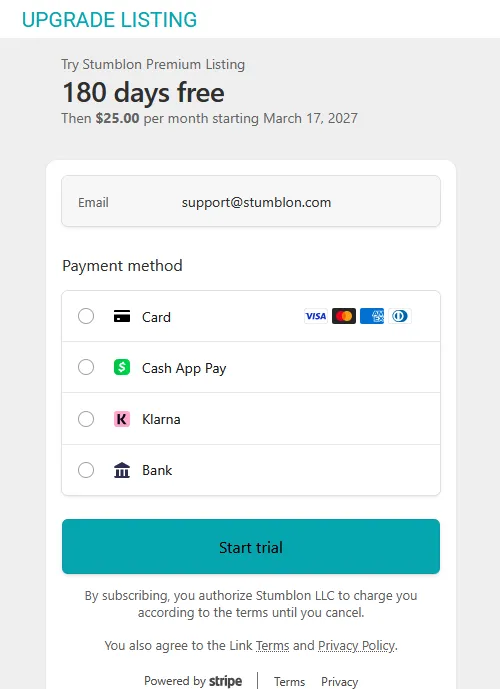
7) Upgrade to Premium? Your first 6 months are FREE and you can schedule all your promotions. Can cancel any time. After checkout you will have additional features activated. |
 |
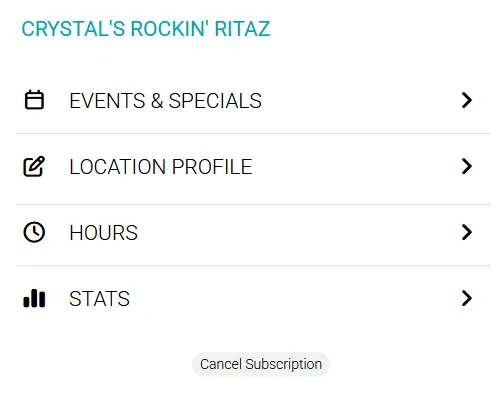
8) Premium Listing Activated! You can easily add your weekly food & drink specials, live music, game nights, and more. Set it and forget it. |
 |
If you have any troubles while claiming your location please reach out and let us help. Contact Us!